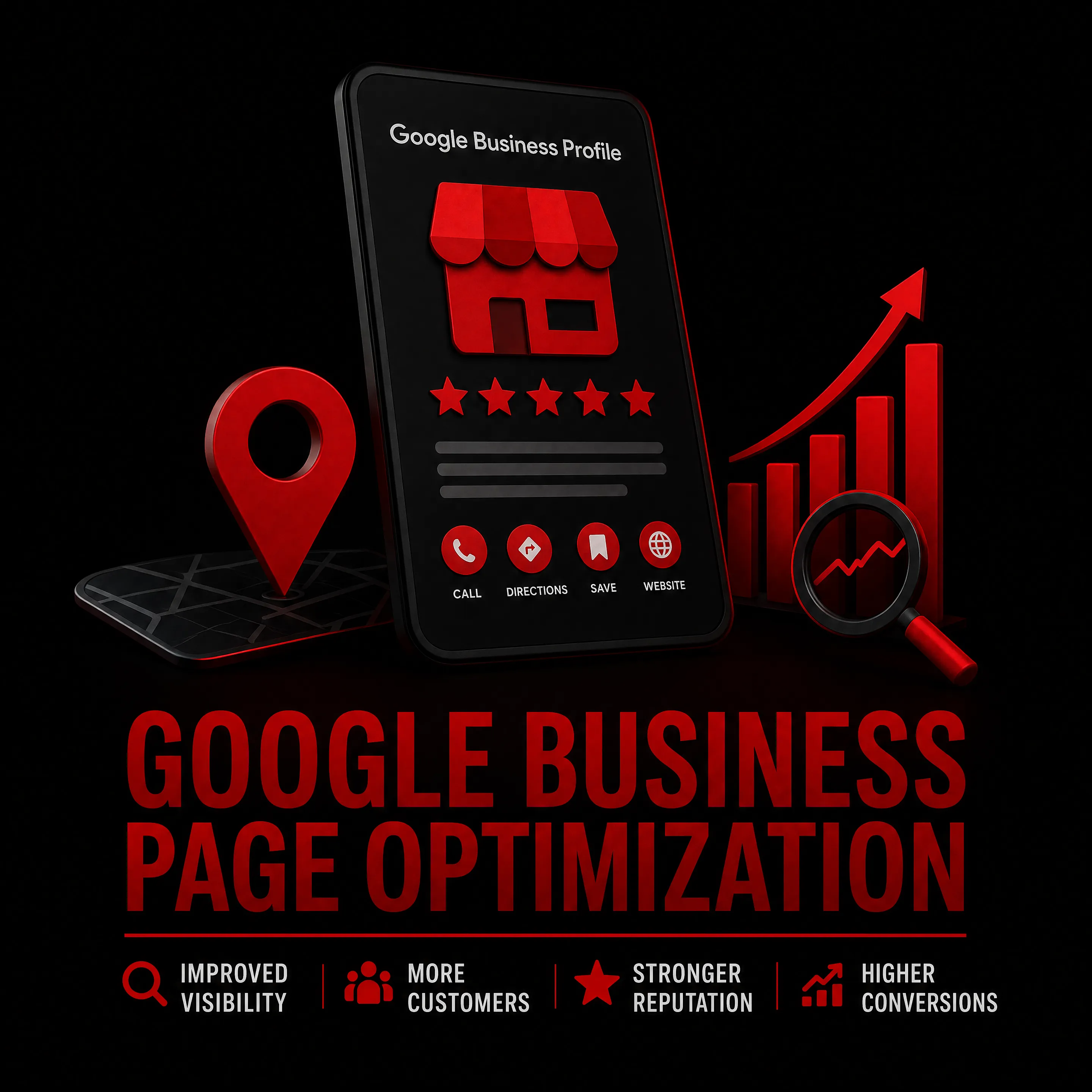
In today's competitive digital landscape, optimizing your Google Business Profile (GBP) is essential for enhancing local visibility and attracting potential customers. This article provides actionable tips on how to effectively set up, verify, and optimize your GBP to gain a competitive edge. Readers will learn about the importance of complete business information, effective review management, and leveraging Google Posts for increased engagement. Many businesses struggle with standing out in local search results, but by implementing these strategies, you can significantly improve your online presence. We will explore the steps for setting up your profile, optimizing business information, managing customer reviews, and utilizing Google’s features to boost visibility.
Understanding the impact of Google Business Profile on local search visibility is crucial for modern businesses looking to grow and appear effectively in search results.
Impact of Google Business Profile on Local Search Visibility
This study focuses on how businesses could grow and show appear in local search results by using Google Business Profiles (GBPs). Before going to a store or using a service, a lot of people today perform a search on the internet, and Google Business Profile is crucial in helping local businesses connect with clients. The study examines how information such as a company's location, contact information, hours of operation, website link, reviews, and images affect consumers' choices. It also looks into how a company's visibility on Google Maps and in local searches is enhanced by an active and updated profile. The study uses surveys to learn more about how people use Google Business Profiles when searching for local goods or services to better understand this. It is expected that the results will show that businesses with detailed and regularly updated profiles bring in more customers, get better feedback, and gain more trust among consumers.
A STUDY ON THE IMPACT OF GOOGLE BUSINESS PROFILE ON BUSINESS SUCCESS, B Sharma, 2025
How Do You Set Up and Verify Your Google Business Profile?
Setting up and verifying your Google Business Profile is a crucial first step in establishing your online presence. A verified profile enhances your business's credibility and ensures that customers can find accurate information about your services. The verification process typically involves confirming your business's address, phone number, and other essential details through various methods provided by Google.
What Are the Steps to Complete Profile Verification?
To complete your profile verification, follow these steps:
- Claim Your Business: Start by claiming your business on Google Business Profile.
- Provide Accurate Information: Fill in your business name, address, phone number, and website.
- Choose a Verification Method: Google offers several methods, including postcard verification, phone verification, and email verification.
- Complete the Verification: Follow the instructions provided by Google for your chosen method to finalize the verification process.
Completing these steps ensures that your business is accurately represented on Google, which is vital for local SEO.
Which Verification Methods Ensure Business Authenticity?

Different verification methods offer varying levels of authenticity for your business. The most common methods include:
- Postcard Verification: Google sends a postcard with a verification code to your business address. This method is highly reliable as it confirms your physical location.
- Phone Verification: If eligible, you can receive a verification code via a phone call or text message. This method is quick and efficient.
- Email Verification: Some businesses may verify their profiles through an email sent to the registered business email address.
Each method has its pros and cons, but postcard verification is often considered the most secure way to confirm your business's authenticity.
How Can You Optimize Business Information and Categories Effectively?
Optimizing your business information and categories is essential for improving your local search ranking. Complete and accurate information helps potential customers find you easily and understand what services you offer.
To optimize effectively, ensure that your business name, address, and phone number (NAP) are consistent across all platforms. Additionally, choose relevant categories that accurately reflect your business offerings. This helps Google understand your business better and improves your chances of appearing in relevant searches. For comprehensive details on how businesses can offer their services, exploring services is highly recommended.
What Business Details Impact Local Search Ranking Factors?
Several key business details significantly impact local search ranking factors:
- Complete Business Information: Ensure that all fields in your GBP are filled out, including business hours, services, and descriptions.
- Relevance of Business Categories: Selecting the right primary and secondary categories helps Google match your business with relevant searches.
- Use of Keywords in Descriptions: Incorporate relevant keywords naturally into your business description to enhance visibility.
These factors collectively contribute to your business's local search ranking, making it crucial to pay attention to each detail.
Local SEO is particularly vital for retailers aiming to increase organic traffic and gain a competitive edge in the digital landscape.
Business Optimization & Local SEO for Competitive Advantage
Digital transformation and the high level of offline and online competition have a significant impact on business, which emphasizes the relevance and need to implement the successful relevant marketing strategy that includes the search engine optimization (SEO). The SEO increases the business visibility on the Internet in comparison with priority competitors, promotes better communication and interaction in accordance with varied requests of online buyers (customers, clients). SEO is especially important for successful retailers’ business characterized by constant bifurcations in the short and long term.The Purpose of the presented research is to substantiate the importance of the local optimization of the retailer’s business for search engines to increase organic traffic; to represent insights and give practical recommendations for retailers regarding local optimization of their business in Google as part of an effective marketing strategy; to create the typical valid data micromarking (by the example of the Ukrainian retailer), which will contribute to an advantageous placement in the Local Pack in comparison with competitors, and increase organic traffic and conversion.
Business optimization in the digital age: Insights and recommendations, A Natorina, 2020
How to Choose the Right Categories and Attributes for Your Listing?
Choosing the right categories and attributes for your Google Business Profile is vital for maximizing visibility. Start by selecting a primary category that best describes your business. Then, add secondary categories that reflect additional services you offer.
Accurate attributes, such as "wheelchair accessible" or "free Wi-Fi," can also enhance your listing. These details help potential customers understand what to expect and can influence their decision to choose your business over competitors.
What Are Best Practices for Managing and Responding to Customer Reviews?

Effective review management is essential for building trust and credibility with potential customers. Here are some best practices:
- Encourage Positive Reviews: Ask satisfied customers to leave positive reviews on your GBP.
- Respond to Reviews: Engage with customers by responding to both positive and negative reviews. This shows that you value their feedback.
- Monitor Your Reputation: Regularly check your reviews and ratings to stay informed about customer perceptions.
By actively managing your reviews, you can enhance your business's reputation and attract more customers.
Optimizing your Google Business Profile and actively managing reviews are key to ranking higher on Google Maps and ensuring visibility to potential customers.
Local SEO: Ranking Higher on Google Maps with GBP
46% of all Google searches have local intent. Someone types “plumber near me” or “best coffee shop downtown,” and Google Maps decides which three businesses show up first. If you’re not in that Local 3-Pack, you’re invisible to almost half your potential customers. I’ve helped local businesses climb from page two of Maps results to the top three. The process isn’t complicated, but it does require getting specific things right. Your Google Business Profile (formerly Google My Business), your reviews, your citations, and youron-page SEOall work together to determine where you rank.
How to Rank Higher on Google Maps: A Local SEO Guide, G Tiwari, 2020
How Does Review Management Influence Local SEO Strategies?
Review management plays a significant role in local SEO strategies. Positive reviews can improve your business's visibility in search results, while negative reviews can deter potential customers.
Search engines consider the quantity and quality of reviews when determining local rankings. Therefore, maintaining a high rating and responding to reviews can positively impact your local SEO efforts.
How Do Google Posts and Q&A Features Boost Local Visibility?
Utilizing Google Posts and the Q&A feature can significantly enhance your local visibility. Google Posts allow you to share updates, promotions, and events directly on your GBP, keeping your audience informed and engaged.
The Q&A feature enables potential customers to ask questions about your business, which you can answer publicly. This interaction not only provides valuable information to customers but also demonstrates your commitment to customer service.
What Types of Google Posts Drive Customer Interaction?
Different types of Google Posts can drive customer interaction effectively:
- Promotional Posts: Share special offers or discounts to attract new customers.
- Event Announcements: Inform customers about upcoming events or workshops.
- Updates on Services: Keep your audience updated on new services or changes to existing ones.
By leveraging these post types, you can enhance customer engagement and drive more traffic to your business.
How to Leverage Q&A for Competitive Advantage?
Leveraging the Q&A feature on your Google Business Profile can provide a competitive advantage. By proactively adding common questions and providing clear answers, you can address potential customer concerns before they arise.
Additionally, monitoring and responding to customer inquiries promptly can enhance your reputation and encourage more interactions. This proactive approach not only improves customer satisfaction but also positions your business as knowledgeable and approachable.
Different optimization strategies deliver distinct benefits through specific mechanisms.
| Strategy | Mechanism | Benefit | Impact Level |
|---|---|---|---|
| Complete Business Information | Accurate NAP | Improved local search visibility | High |
| Relevant Categories | Enhanced matching | Increased search relevance | High |
| Active Review Management | Customer engagement | Enhanced reputation | Medium |
Put Your Google Profile to Work
FritschFlix can optimize and manage your Google Business Profile so local customers find accurate information—and a clear reason to choose you.
Get a Free Proposal →